
Farming
Modern Farmers
An app built for a new generation of farmers.
Mobile App UI/UX Designers
Apps that are easy to use and look the part, from first sketch to final screen.
Users decide in seconds whether an app is worth keeping. If they can't find what they need, or the app looks rough, they delete it. Great code can't save an app people find confusing.
That's why every project at The App Bros Canada starts with design. Our designers work out how people will move through your app (the UX) and how every screen looks (the UI). You see and test your app before a line of code is written, while changes are cheap.
We design apps for businesses and founders across Canada. Most of our design clients have us build the app too, but we also take design-only projects and hand the files to your own developers.
Who your users are, what they need, and what the apps they already use do well.
A map of every path through your app, from sign-up to the main task and back.
Simple layouts for every screen, so we agree on structure before visuals.
A tap-through version of your app you can test on a real phone.
Colour, type, icons and screens that fit your brand and each platform's style.
Design files, specs and assets ready for development, by us or another team.
Farming
An app built for a new generation of farmers.
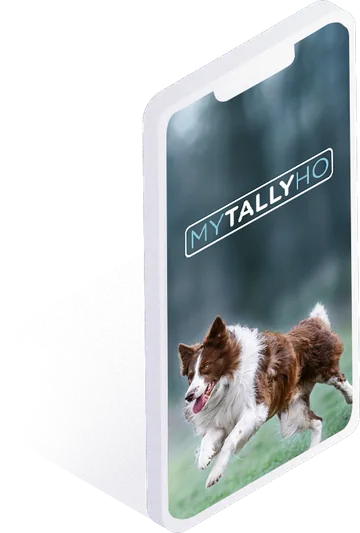
Pets · Sports
Tracks dogs' speeds, times and points in Fast CAT competitions.
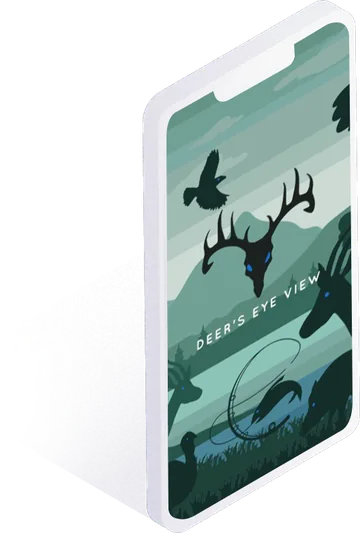
Sports · AI
Shows hunters and anglers how their prey see the world.
Our designers have worked on apps for very different users. Modern Farmers is an app for a new generation of farmers. My Tally Ho tracks dogs' speeds, times and points in Fast CAT competitions. Deer's Eye View shows hunters and anglers how their prey see the world. Each one needed a design that made sense to its own audience.
Good design starts with questions, not colours. Who will use the app? What are they trying to get done? What do they use today, and what bugs them about it? We look at your users, your goals and similar apps, then map the paths people will take through your app.
User flows catch problems early. A missing step, a dead end or a screen with too many choices shows up on a flow chart long before it shows up in a one-star review.
Next come wireframes: plain layouts that show what goes on each screen and in what order. They're quick to edit, so we can try a few ideas and pick the best one with you.
Then we turn the wireframes into a clickable prototype. You can tap through it on your phone, hand it to potential users, or show it to investors. It's the cheapest way to learn what works before paying for development.
Once the structure works, we make it look right. We bring in your logo, colours and fonts, or help you pick them if you're starting fresh. We design to Apple's and Google's platform habits, so buttons, menus and gestures feel familiar on each phone. Every screen gets a consistent set of styles, which also makes the app faster and cheaper to build.
About one in four Canadians aged 15 and over has a disability, according to Statistics Canada. An app that works for them works better for everyone. We design with the WCAG accessibility guidelines in mind:
If you work with a government or large organization, accessible design is often a contract requirement. It's easier to build it in from the start than to fix it later.
Is your current app dated, hard to use or getting poor reviews? A redesign can fix that without starting from scratch. We review your app, your store reviews and your analytics, find what's holding users back, then redesign the screens that matter most. We can rebuild the app too, or hand the new designs to your team.
Design-led projects often start with a prototype:
| Budget tier | Planning range (CAD) | Best for |
|---|---|---|
| Idea validation / prototype | $13,500 – $21,000 | Planning, user flows, simple screens and a clickable prototype |
Planning ranges, not quotes. When we design and build your app, design is part of the full project price, usually 15 to 25% of the budget.
A free, confidential consultation. We listen, ask good questions and put your idea on paper.
The look and feel of every screen, shared online so you can give feedback as we go.
Wireframes and a clickable prototype that show exactly how every feature works.
We build and test your app, then publish it on the App Store and Google Play.
We help you market the app and grow downloads after launch.
A design project with user flows and a clickable prototype runs $13,500 to $21,000 CAD. When we also build the app, design usually takes 15 to 25% of the total budget.
Yes. We can design your app and hand over the files, specs and assets for another team to build. Many clients stay with us for the build, because one team keeps design and code in sync.
A clickable prototype usually takes a few weeks. Full visual design for a larger app takes longer. We'll give you a timeline in writing before we start.
Yes. When the project is done, you get your design files and assets.
Popular cities: Toronto · Vancouver · Markham · Victoria · Calgary · Halifax